
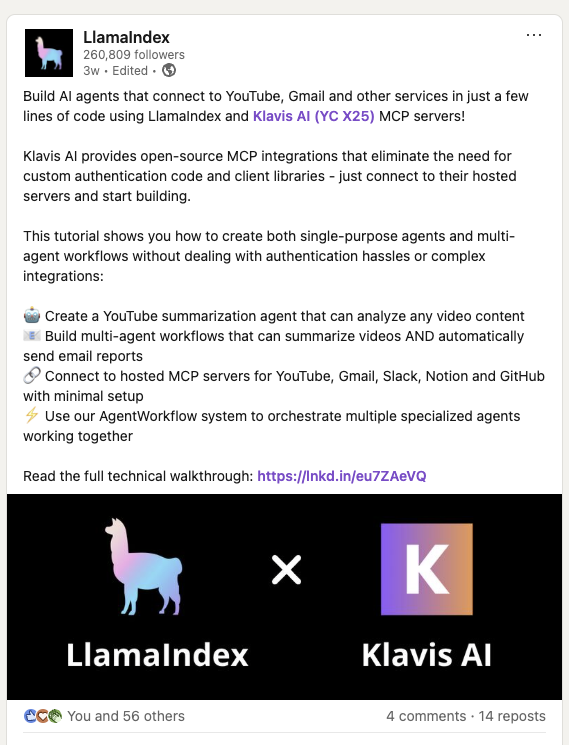
LlamaIndex has officially showcased their integration with Klavis AI in this LinkedIn post, demonstrating how to build AI agents that connect to MCP Servers in just a few lines of code.
import os# Set environment variablesos.environ["OPENAI_API_KEY"] = "your-openai-api-key-here" # Replace with your actual OpenAI API keyos.environ["KLAVIS_API_KEY"] = "your-klavis-api-key-here" # Replace with your actual Klavis API key
// Set environment variables in your .env fileprocess.env.OPENAI_API_KEY = "your-openai-api-key-here"; // Replace with your actual OpenAI API keyprocess.env.KLAVIS_API_KEY = "your-klavis-api-key-here"; // Replace with your actual Klavis API key
Step 1 - Create Strata MCP Server with Gmail and Slack
from klavis import Klavisfrom klavis.types import McpServerName, ToolFormatimport webbrowserklavis_client = Klavis(api_key=os.getenv("KLAVIS_API_KEY"))response = klavis_client.mcp_server.create_strata_server( servers=[McpServerName.GMAIL, McpServerName.SLACK], user_id="1234")# Handle OAuth authorization for each servicesif response.oauth_urls: for server_name, oauth_url in response.oauth_urls.items(): webbrowser.open(oauth_url) print(f"Or please open this URL to complete {server_name} OAuth authorization: {oauth_url}")
const klavisClient = new KlavisClient({ apiKey: process.env.KLAVIS_API_KEY });const response = await klavisClient.mcpServer.createStrataServer({ servers: [Klavis.McpServerName.Gmail, Klavis.McpServerName.Slack], userId: "1234"});// Handle OAuth authorization for each servicesif (response.oauthUrls) { for (const [serverName, oauthUrl] of Object.entries(response.oauthUrls)) { window.open(oauthUrl); // Wait for user to complete OAuth await new Promise(resolve => { const input = prompt(`Press OK after completing ${serverName} OAuth authorization...`); resolve(input); }); }}
OAuth Authorization Required: The code above will open browser windows for each service. Click through the OAuth flow to authorize access to your accounts.
result = await llamaindex_with_mcp_server( mcp_server_url=response.strata_server_url, user_query="Check my latest 5 emails and summarize them in a Slack message to #general")print(f"\nFinal Response: {result}")
result = await llamaindexWithMcpServer( response.strataServerUrl, "Check my latest 5 emails and summarize them in a Slack message to #general");console.log(`\nFinal Response: ${result}`);
Perfect! You’ve integrated LLamaIndex with Strata MCP servers.